Design before construction
- Import the IFC models in BIM Online, or work in Revit
- Check the models and find every clash
- Upload the clashlist and floor plans to Office
- Office generates a certified solution for every clash
For firestop and passive fire protection specialists
The fastest way to identify firestop clashes in BIM, with just the push of a button. Then turn every penetration into a certified firestopping solution, an accurate quote and a design your installers can follow on site.
Who it's for
Quote on facts from the model, design with tested systems and hand over with proof.
One overview of every penetration, its solution and its status, from design to site.
Certified firestop you can demonstrate to clients, inspectors and insurers.
How it's done today
Most teams still manage firestop with loose spreadsheets, PDF documents and manual coordination on site. Decisions are made late in the design or during construction, when every change is costly. There is no traceability, no consistency and no link with the rest of the build.
On site
Too large, too small or too close to the next opening.
Missing, or too far from or too close to the fire-rated wall.
The flexible wall is not built for the chosen seal.
Why now
General contractors and clients want BIM coordination and certified work they can prove. Whoever delivers it wins the tender.
Wkb in the Netherlands, the Building Safety Act and the Golden Thread in the UK: every seal has to be demonstrable.
No Revit needed: BIM Online runs in your browser. Upload an IFC model or a clashlist and get started right away.
The value for you
With fire protection in the design, you set the opening size. No openings too big or too small, so just the right amount of sealing material.
Every penetration identified and calculated automatically. Up to 90% less design time.
The tested system per penetration, with advice. Fewer return visits, every seal traceable to its design.
A tested system that fits every penetration. No need to request an engineering judgement from the manufacturer or wait for approval.
How it works
Upload your BIM files, run data checks and get an overview of missing information, such as fire ratings, thicknesses and materials. Share the results with stakeholders in a consistent, organised way.
Find the exact location of every service that penetrates a fire-rated wall or floor, with a click. Generate detailed clash lists and see the firestop clashes directly in your BIM model.
Engineering measures every wall and floor against the required distances with the Compliance Checker: between penetrations, to the edge of the opening and inside multi-service penetrations. Solve it in the model before anything is designed.
Upload your clash lists and generate approved firestop solutions at the push of a button. Orange Button links your BIM data to the Field of Application of manufacturers on the platform, and inserts the solutions back into the model.
Installers see exactly what goes where. They take photos, add tags, log progress and flag deviations, and you track completion and quality of the installed work.
Also without a BIM model
Design happens in the BIM model: only there can you align walls, openings and services before anything is built. If a project has no model, for example a refurbishment or a smaller project, you work from PDF floor plans. You select a tested system for every penetration and record every seal with photo and status.
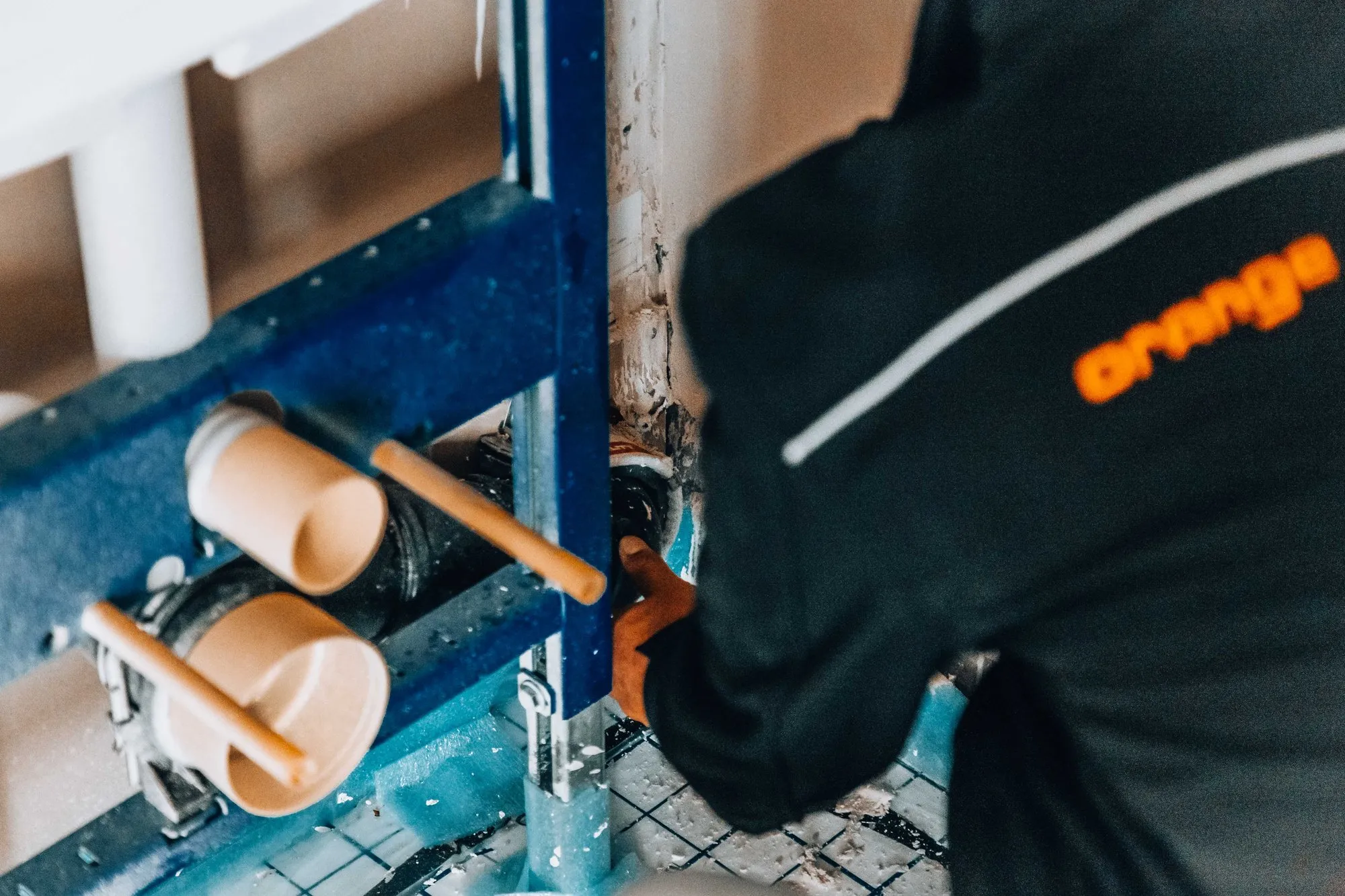
Customer story
Compact Brandpreventie used to rely on manual methods and disconnected tools for firestop design, quoting and project management. Since switching to Orange Button:
Licences
Start free on a real project with OB BIM. Add Office for your team and Field for your installers. No BIM model? Office and Field also work on their own.
| FreemiumStart free · 1 user | Office LicensePer project leader · includes the Field app | Field LicensePer installer · Field app only | |
|---|---|---|---|
| OB BIM · BIM Online and Revit | |||
| BIM License (clash credit) | 0–200 clashes | Pay per clash | – |
| Clash engine in BIM Online | – | ||
| BIM Firestop Suite | – | ||
| BIM OneClick apps | – | ||
| OB Office | |||
| Projects | 1 project | Unlimited | – |
| Clash lists | – | ||
| Product selection (on request) | – | ||
| Floor plans | – | – | |
| Field activities | – | – | |
| Images and documents | – | – | |
| Report and field log generator | – | – | |
| OB Field app | |||
| Projects and floor plans | – | ||
| Create and track activities | – | ||
| Solution selector | – | ||
| Chat with users | – | ||
A paid BIM License always comes with at least one Office License. Without a BIM model you only need Office and Field: everything under OB Office and OB Field, without a clash credit.
See prices →BIM design service
Share your models and outsource the firestop design. Our engineers deliver the complete design, with the same certified solutions.
No. You can run clash detection in the browser with BIM Online. If you work in Revit, the Orange Button plugin adds the BIM Firestop Suite and OneClick apps.
Yes. Upload your PDF floor plans in Office, and your installers record every penetration on site with the Field app, which proposes the certified solution that fits. You get the same report of every firestop as on a BIM project.
Nothing. The Freemium licence includes up to 200 clashes a month and one project in Office. For more, you choose a monthly clash credit for the BIM License, together with at least one Office License. The price per clash drops as the credit grows. Working without a BIM model? Then you need an Office License per project leader and a Field License per installer.
Each unique position where a service passes through a fire-rated wall or floor counts as one clash: one penetration that needs a tested penetration seal.
You choose your preferred manufacturers. Orange Button only proposes tested solutions from their Field of Application, including Promat, Soudal, AF Systems and Air Fire Tech.
On the tested systems of the manufacturers on the platform. Every solution follows the manufacturer's approval for its field of application, such as a European Technical Assessment (ETA) based on fire tests to EN 1366-3, and shows the countries where it is approved. Orange Button checks every penetration against those conditions.
Yes. With a Field License installers use the mobile app to see floor plans and solutions, log activities, take photos and chat with the office. Project leaders with an Office License also have access to the Field app, for inspections on site.
Certified firestop by design. Find your first firestop clashes today, free up to 200 a month.
AI answers can be wrong; check important details with our team. Please don’t share personal data here.