What BIM details are necessary to generate fire protection quotes?
To automatically generate quotes for firestopping penetrations in fire-rated barriers, specific information must be integrated into BIM.
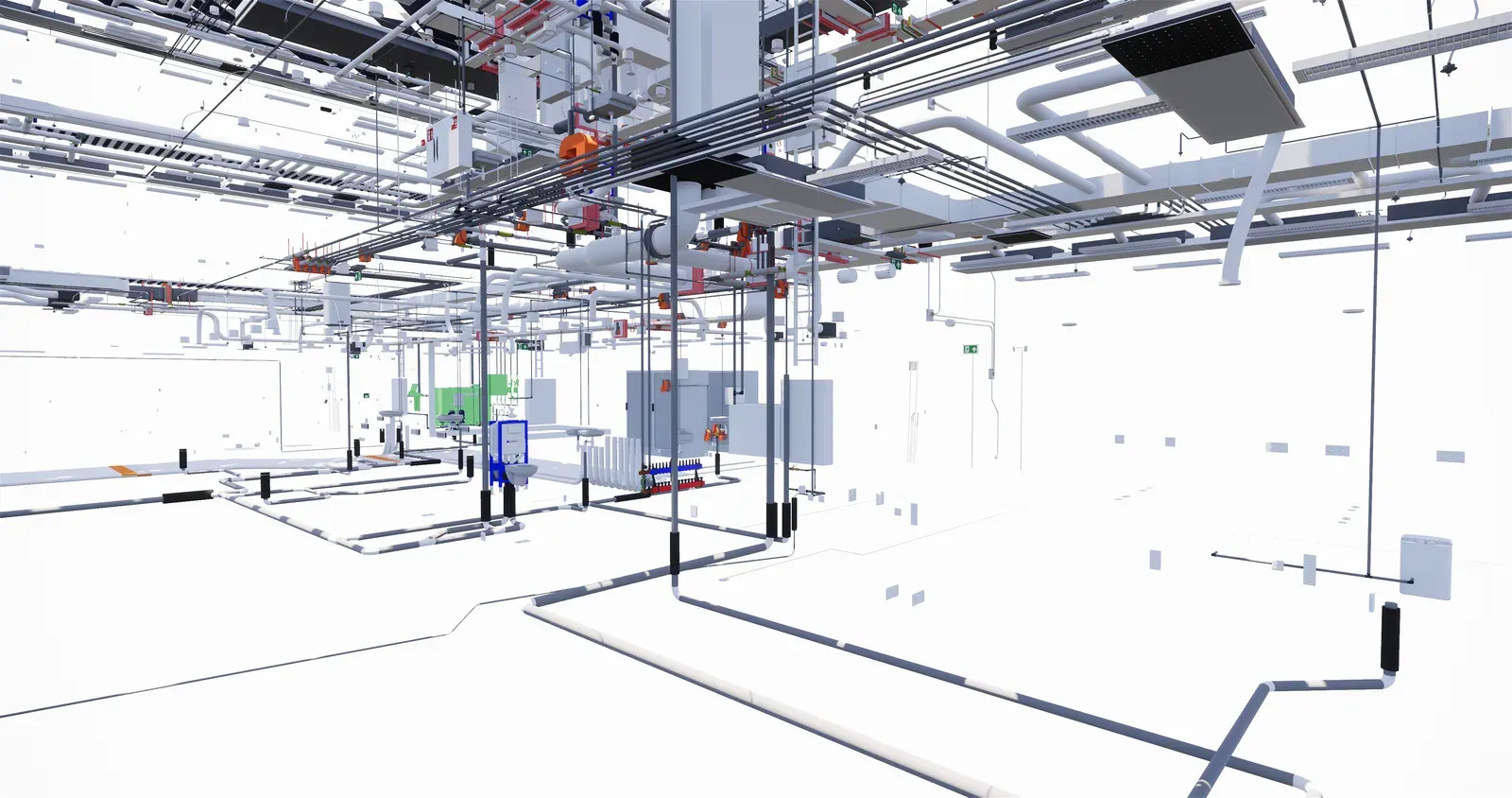
To automatically generate quotes for firestopping penetrations in fire-rated barriers, specific information must be integrated into the Building Information Modeling (BIM) system. Accurate data entry is crucial for precise cost estimation and project planning.
Fire Resistance Requirements
First, fire resistance requirements must be clearly defined in both the architectural and structural models. Without these details, software like Orange Button cannot accurately identify which penetrations need firestopping to meet safety regulations. Each fire-rated barrier must have the correct fire resistance rating for efficient quoting.
Mechanical and Electrical Installations
Comprehensive details about mechanical and electrical installations are also essential. This includes specifying the types of installations and insulation materials, using their exact product names. General information isn’t enough. The BIM model must include specific product names to allow the software to accurately calculate firestopping solutions and costs.
Installation Dimensions
The dimensions of each installation must also be carefully recorded. The size and configuration of a penetration directly impact the amount and type of firestopping material required.
Product Specifications
Additionally, the BIM model must include product names for fire dampers. Fire dampers are crucial for maintaining the integrity of fire-rated barriers, ensuring the system performs correctly in a fire.
Conclusion
In summary, accurate and complete BIM data is essential for automated quoting. By including all relevant details, faster and more accurate quotes can be generated, leading to better project outcomes and cost efficiency.
Aktualisiert 14. November 2024