How to start when you already have a BIM model?
How to start when you already have a BIM Model? Learn how to efficiently integrate fire protection solutions into your project.
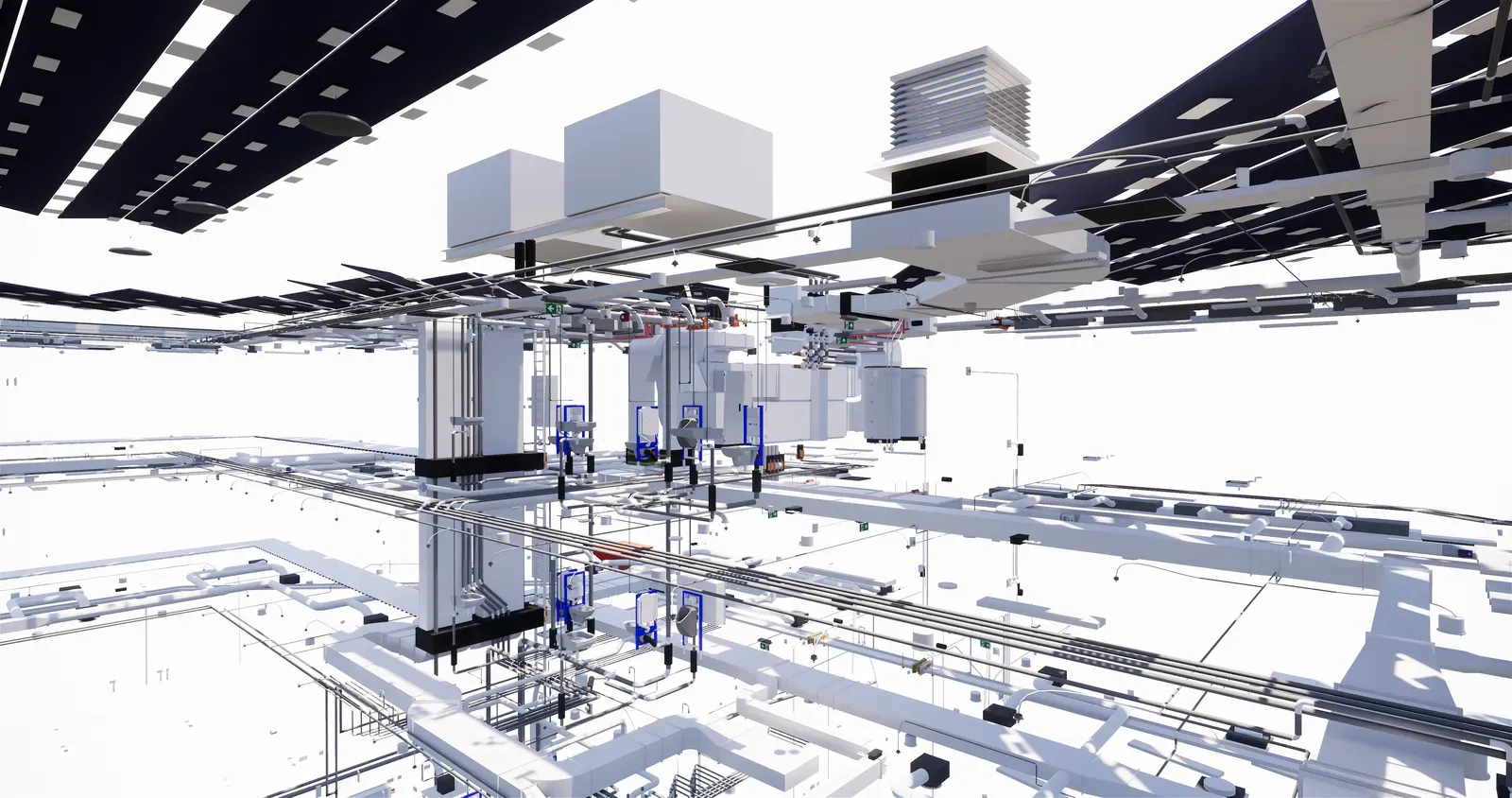
By now, you’ve likely sifted through numerous articles, exploring various products and envisioning what you need. But where do you begin? This article is here to guide you through the process. As indicated in the title, we assume you already have a BIM model in hand. If not, don’t worry; we’ll address that too. Now that the BIM model is at your disposal, you’re eager to extract information to determine the fire protection solutions required for your project. Let’s delve into the steps to make the most out of your BIM model.
Acquire the BIM License
The first step is to purchase the BIM license. This license enables you to access and utilize the BIM model effectively. You can acquire the license conveniently through the provided button or via the Contact or Sign-in page
Utilize the Plug-in in Revit
Once the license is secured, a plug-in is generated in Revit, facilitating the extraction of data from your model. This plug-in streamlines the process, ensuring seamless integration with your BIM environment.
Upload BIM Documents and Conduct Quality Checks
Begin by uploading the BIM documents into the system. A comprehensive quality check is performed, and an overview of any missing information is generated. This ensures that you’re working with accurate and reliable data.
Perform Localization
With just a click, you can pinpoint the exact location of installations penetrating fire-rated walls and floors. This step reveals any clashes, generating a clash list that documents the clash objects and their precise locations within the BIM model. This not only streamlines the process but also enhances documentation and visualization.
Import Clash List to Online Platform
Next, import the clash list into the online platform. Here, you can effortlessly select approved fire protection systems. This streamlined approach ensures compliance and efficiency in selecting suitable solutions for your project.
Upload Selected Fire Protection Solutions to BIM
With the approved solutions in hand, upload them with integrated advice directly into your BIM model. This automated process ensures that everything is accurately represented within your model, saving you time and effort.
In conclusion, leveraging a BIM model for fire protection solutions offers unparalleled efficiency and accuracy. By following these steps, you can seamlessly integrate fire protection measures into your project, ensuring compliance and safety every step of the way. So, empower your workflow and maximize efficiency with BIM-driven fire protection solutions today.
Ver
Actualizado 14 de noviembre de 2024